
Issue Report: cDjXxm5xMo
Complete Logs or Screenshots
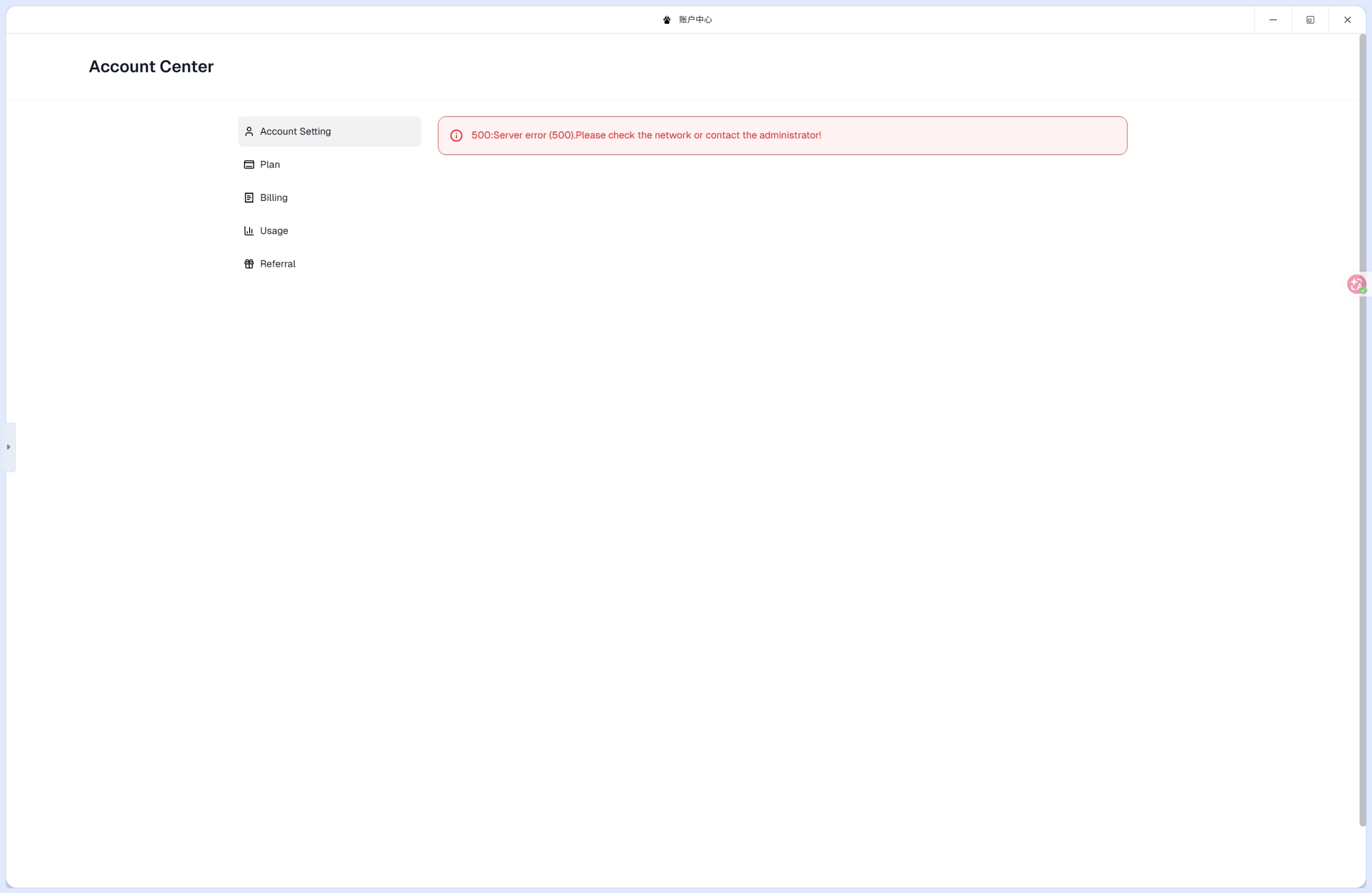
When clicking Account Setting in the Account Center navigation, the page displays the following error:
500:Server error (500).Please check the network or contact the administrator!
Steps to Reproduce
- Step 1: Log in to ClawCloud Run platform.
- Step 2: Navigate to the Account Center page.
- Step 3: Click on Account Setting in the left navigation menu.
- Step 4: The page fails to load and displays
500:Server error (500).Please check the network or contact the administrator!
Expected Result: The Account Setting page loads successfully, displaying user account configuration options.
Actual Result: A 500 Server Error is displayed, preventing access to Account Setting functionality.
Workspace Region
- Region: ap-northeast-1
Please confirm receipt of this report. Thank you.